Put the right words on the screen at the right moment, without juggling five programs.
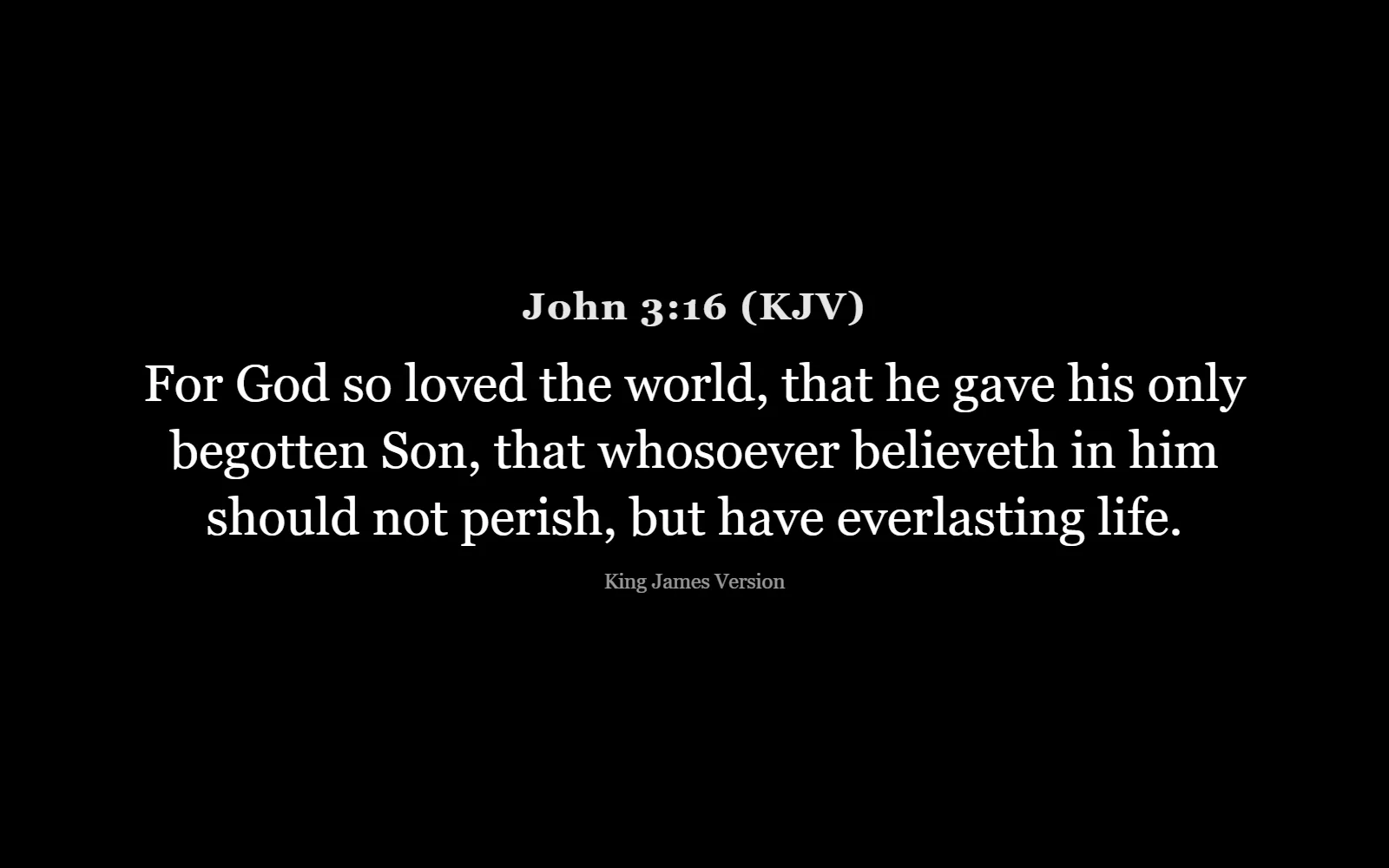
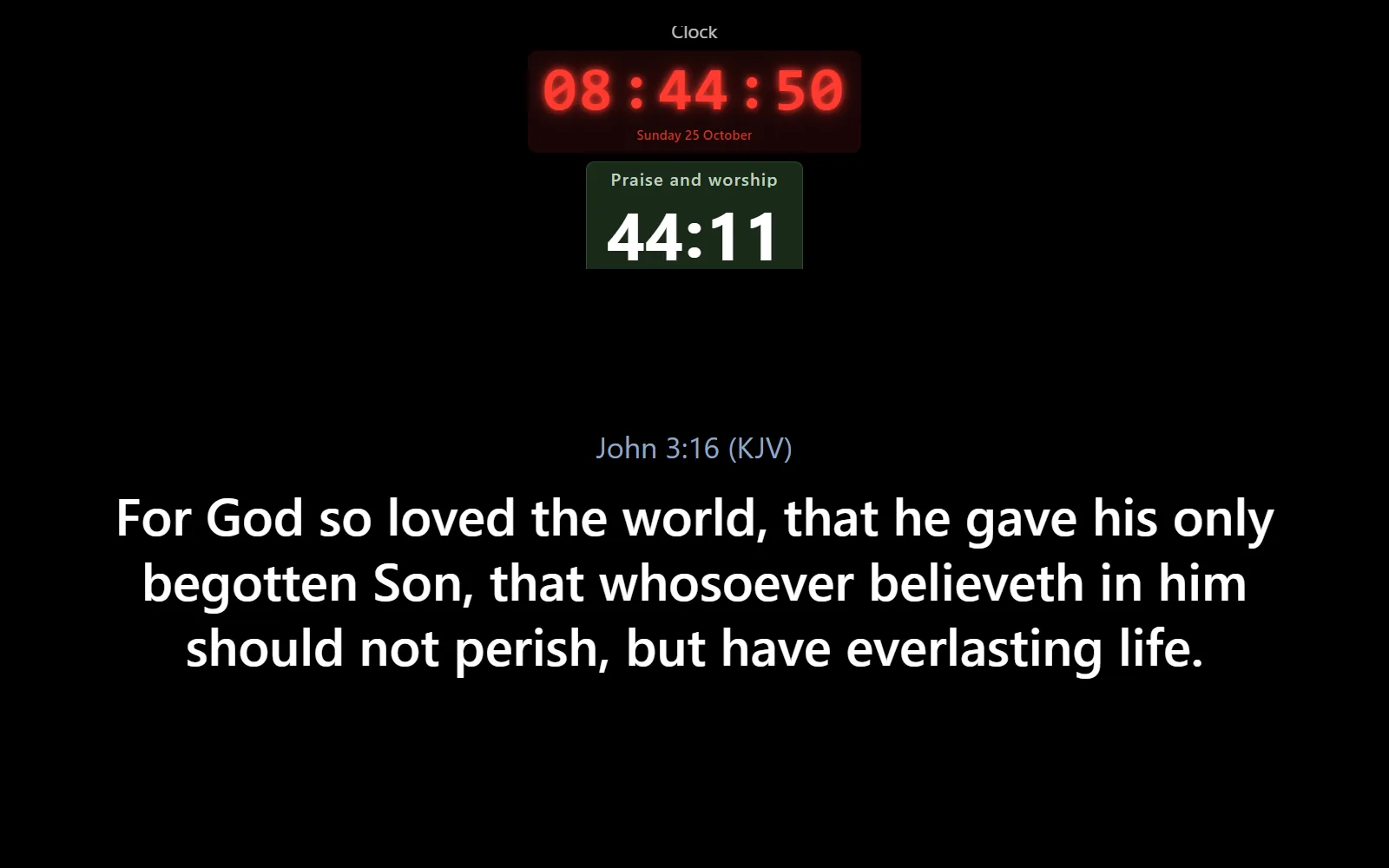
The verse is on the screen before the preacher finishes saying it
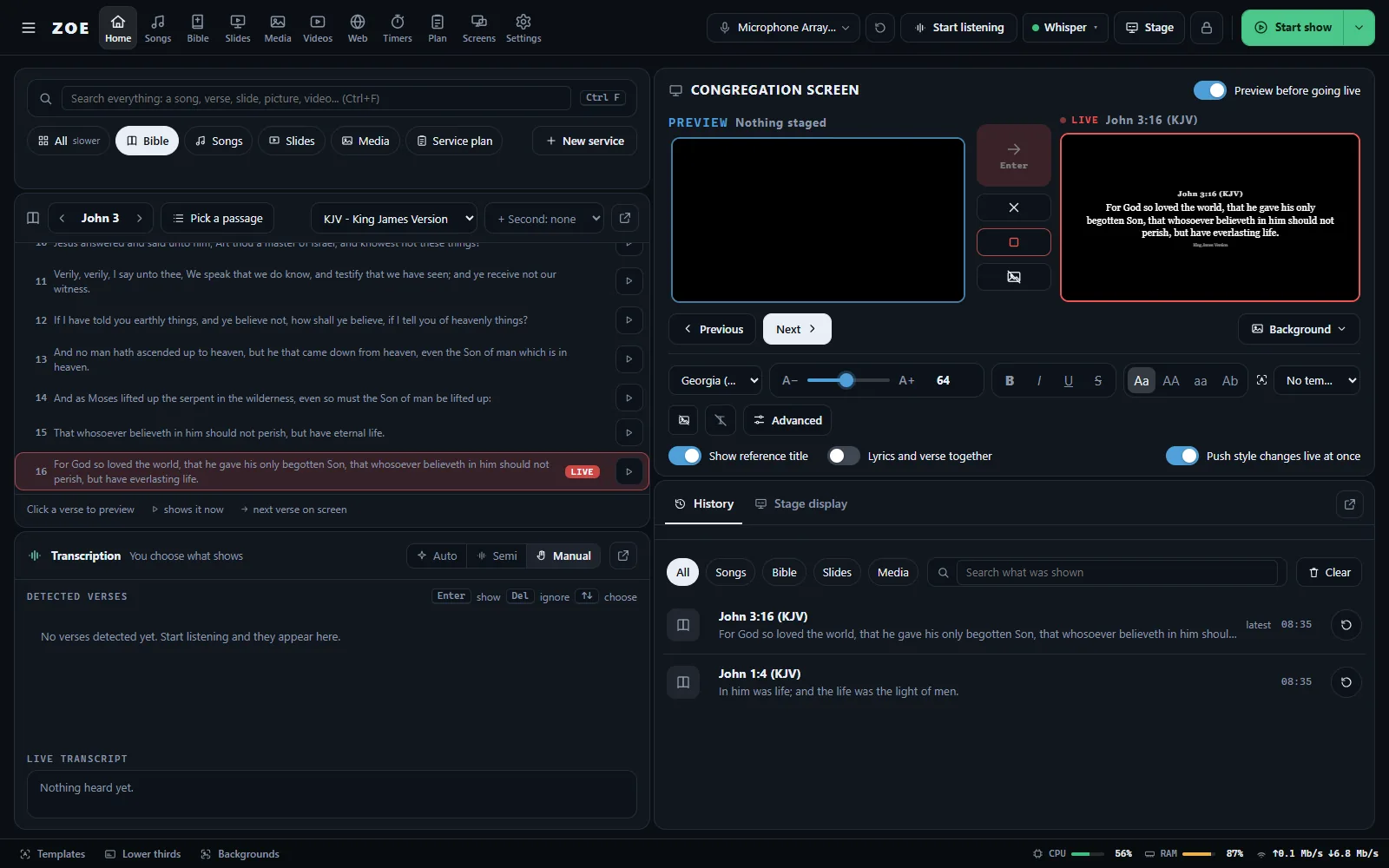
Press Start listening and ZOE follows the sermon. It finds every Bible reference and even verses said in other words, ready to show with one key.
Works offline, in English and Kiswahili
Manual, semi or fully automatic: you choose how much it does
Say “Zoe, next verse” to control it by voice
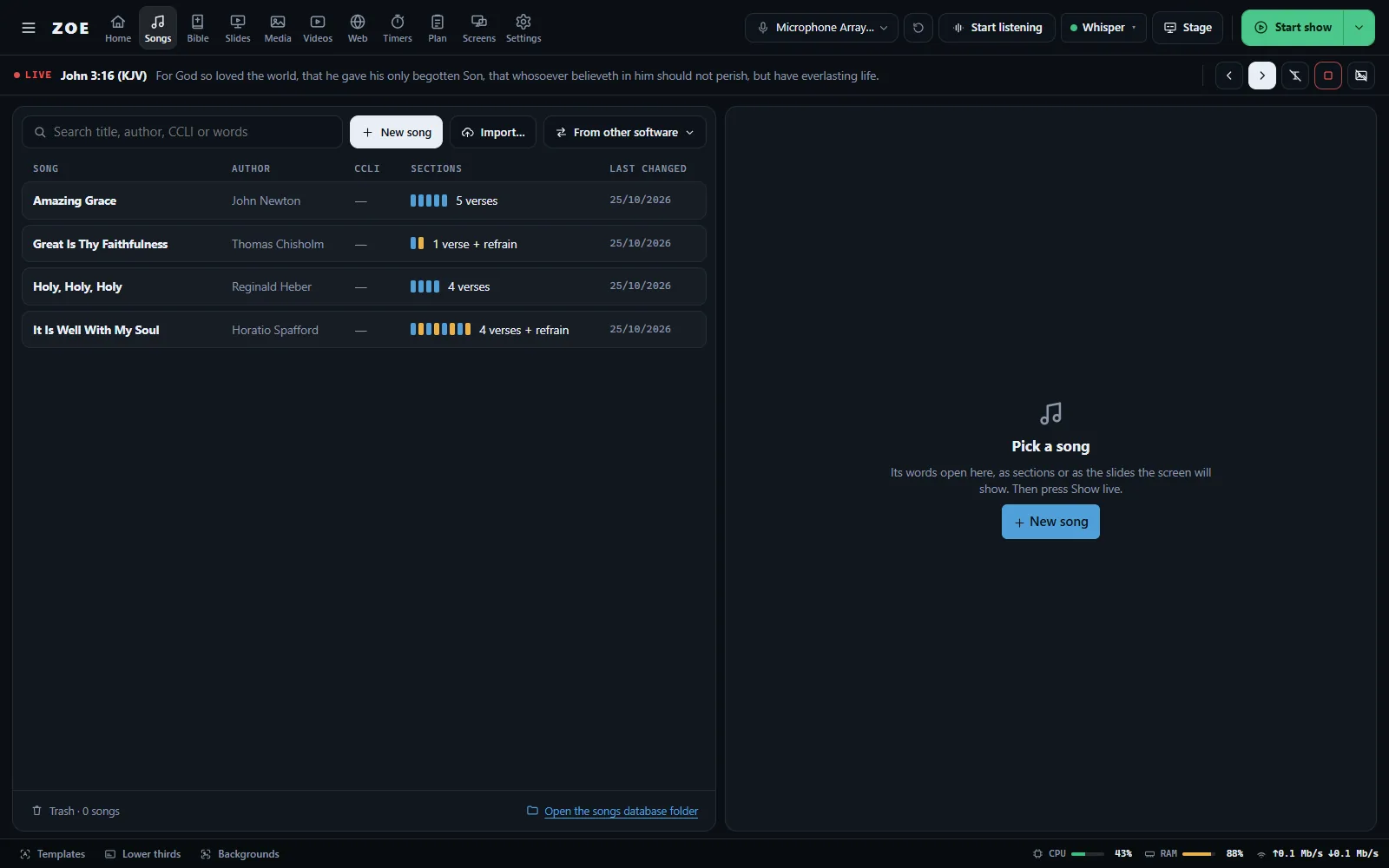
Your songs, your Bibles, one search
Type a few words in the search box and ZOE finds the song, the verse, the slide or the video. Show it verse by verse, with a preview before it goes live.
Import from OpenLyrics, OpenSong, ChordPro, SongSelect, FreeWorship and FreeShow
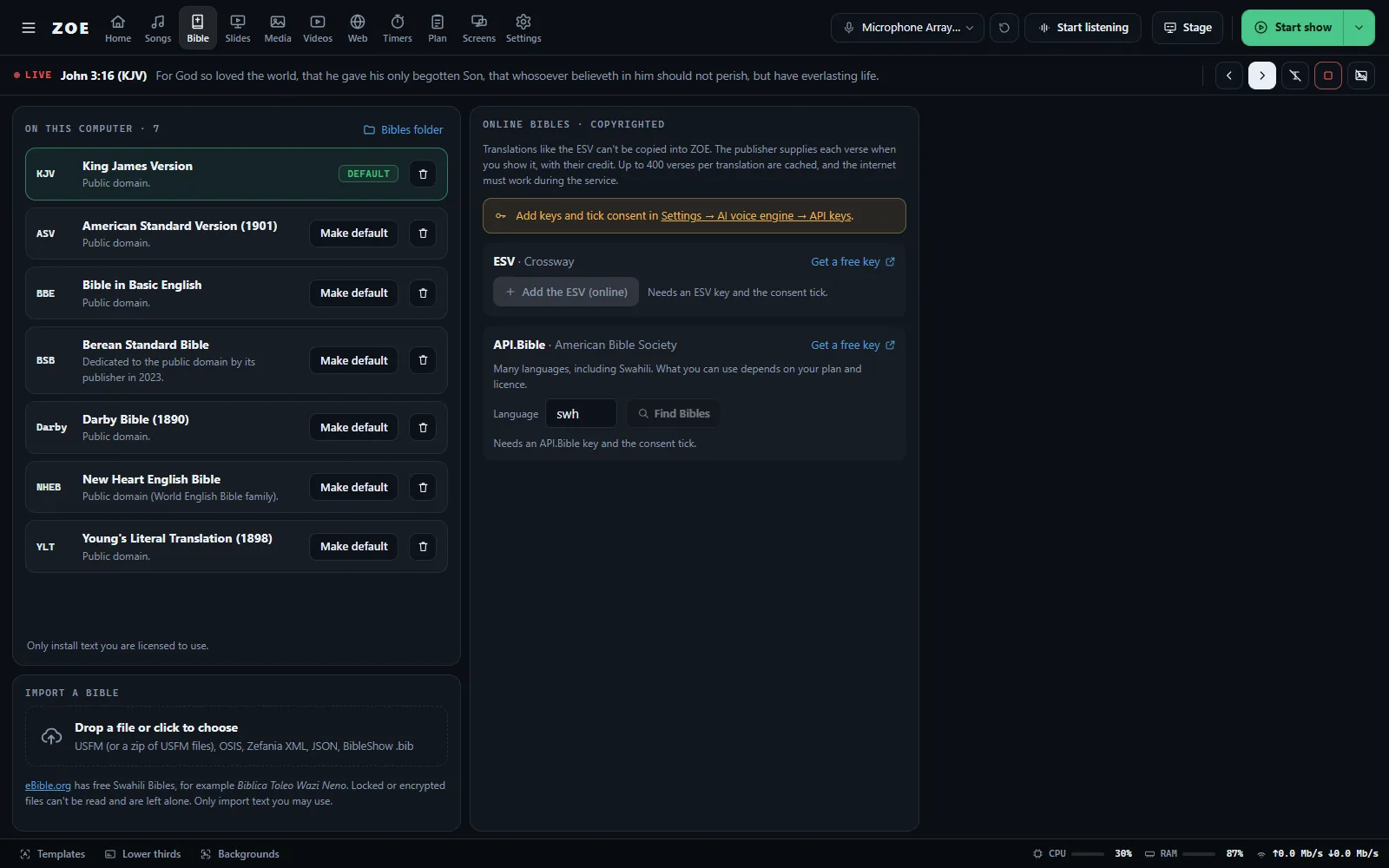
King James Version included, more free Bibles one click away
Show two translations side by side
Run the service on time
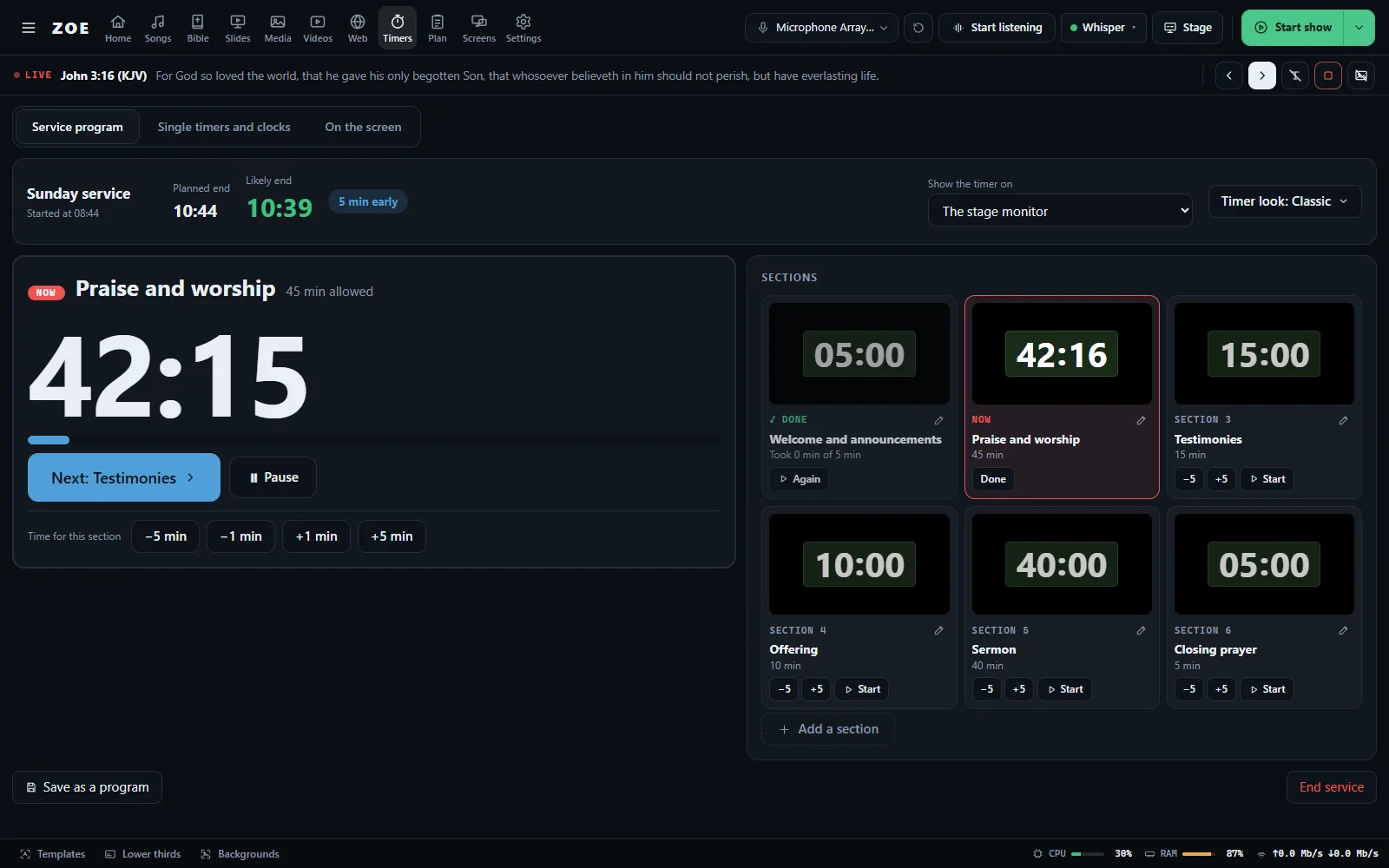
Plan the service once as sections, each with its own time. On Sunday press Start, then Next as each part ends. ZOE shows when the service will probably finish.
Give one section's minutes to another on the go
Countdowns to a clock time, twelve timer designs, clocks
The timer shows on the stage monitor or the main screen
Every screen, all at once
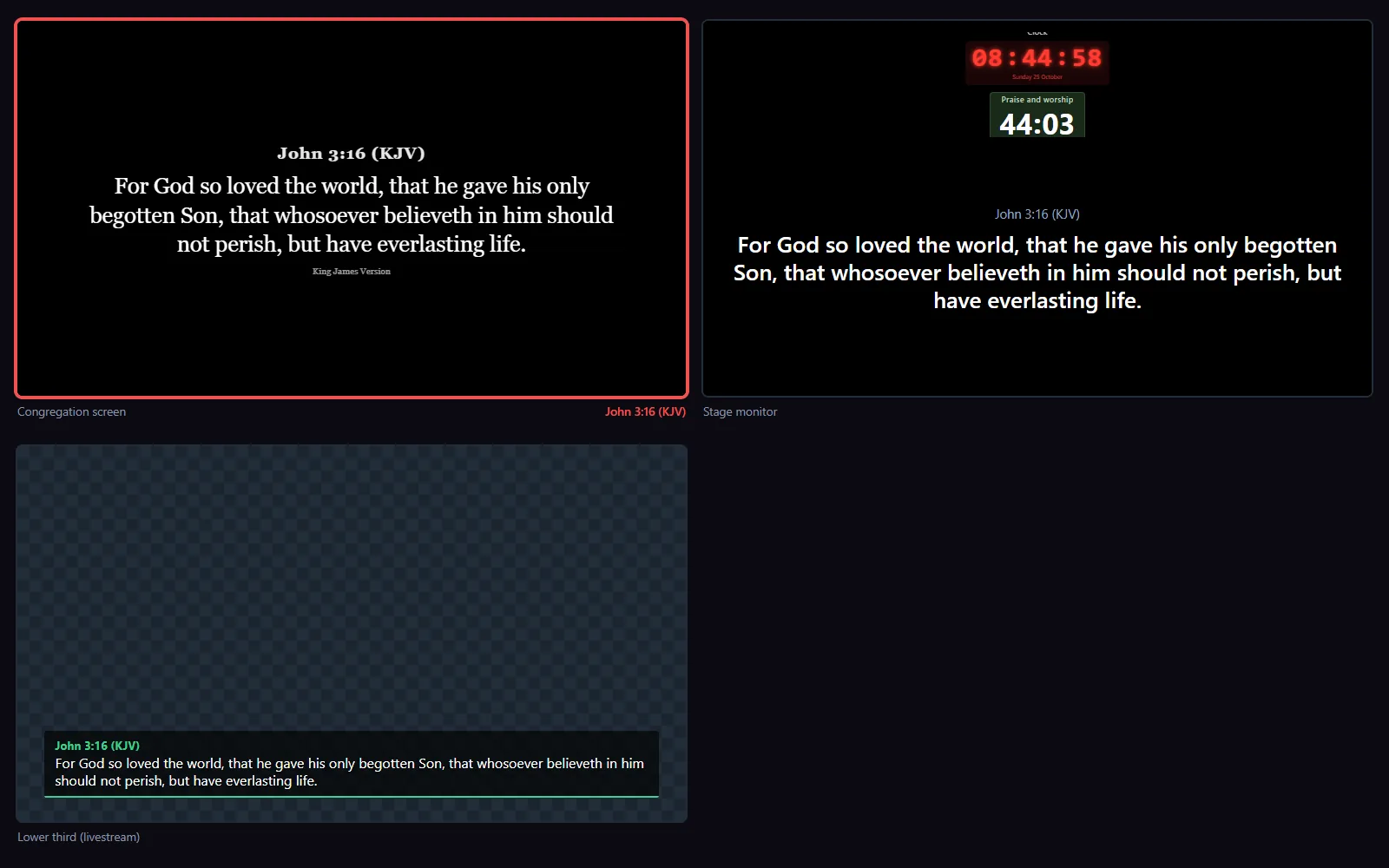
The congregation screen, the stage monitor for the worship team and a lower third for your livestream, all driven from the same place.
Send to OBS or vMix over NDI, or as a browser source
Messages and song notes for the worship team
Control ZOE from a phone, or use a tablet as a stage monitor
Multiview: the congregation screen, the stage monitor and the livestream lower third
And much more
Everything in ZOE
A built-in tour shows you around the first time you open it, and the Take a tour page has a short guide for every job.
Listening and AI
Follows the sermon, finds verses by reference or by meaning, voice commands. Offline or online speech.
Bibles
KJV included. Download free translations such as ASV, BSB and NHEB, import USFM, OSIS, Zefania or BibleShow files, or add the ESV online.
Songs
A song library with chords, named sections, keys you can change, notes for the team, a trash to undo, and a CCLI report.
Slides
Make announcement slides, or open a PowerPoint or PDF and show each page as a slide.
Media
Pictures, videos and music in folders. Background music playlists, cameras, NDI sources, and free starter media.
Web and online video
Show a web page, zoom into the part that matters, or play a YouTube video with controls over every page.
Service plan
Songs, verses, pictures, timers and notes in order. Paste your sermon notes and ZOE finds the references.
Timers and clocks
A service program with a likely end time, countdowns, twelve timer designs, analog or digital clocks.
Stage monitor
Next verse, chords, timers and messages for the worship team. Pick a layout or arrange it yourself.
Screens and projectors
Two congregation screens, the stage monitor and a multiview of every output. Start and stop the show from the top bar.
Livestream
Lower thirds with your own colours and shapes, sent to OBS or vMix over NDI or as a browser source.
Remote control
Control ZOE from a phone on the same Wi-Fi, protected by a PIN. Use a tablet as a stage monitor.
Look and layout
Twenty-four colour themes, templates, backgrounds, bigger text, English or Kiswahili, and a Home layout you can rearrange.
Data and updates
One-file backup and restore, history of past services, and updates that install themselves and keep your songs.
Two minutes
Install ZOE
Free for Windows 10 and 11 (64-bit). After this, ZOE tells you when an update is ready and installs it for you.
Click Download for Windows. The newest installer starts downloading.
Open the downloaded ZOE_…_x64-setup.exe.
If Windows says “Windows protected your PC”, click More info, then Run anyway.
Follow the installer. ZOE opens and offers a short tour.
Or install with one command
Press Start, type PowerShell, open it, paste this line and press Enter. It downloads the newest ZOE, checks the file and opens the installer.
 ZOE
ZOE